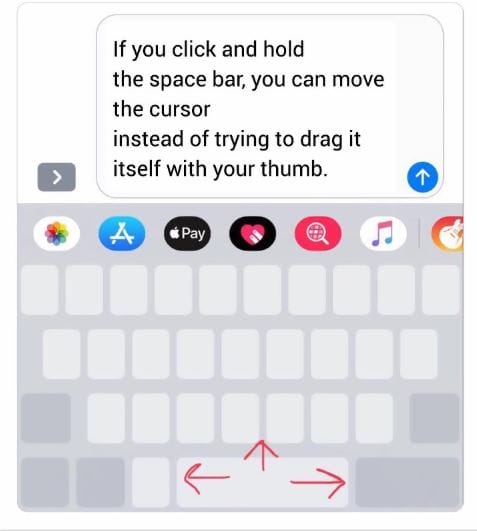
Navigation Key On Iphone Keyboard
There are various things that are hidden in our smartphones which we either know or we don't know about it so let's take a look which one it is. Our smartphones have secret features where we can text plus move our cursor at the same time so let's try this thing now.
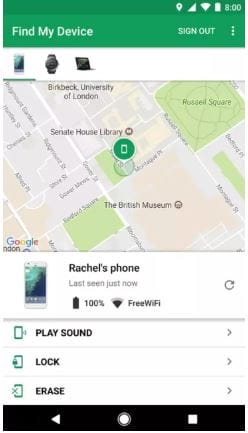
Find Your Lost Phone
If you have lost your phone then you can do it just by logging on the browser with Android.com/find and then enter your Google password. After that, the google will lead you to the map which will show you the location of your phone and in that you can also delete your data.
Comfy Night Mode Settings
Switch your phone on a negative mode in settings and accessibility which will turn your phone on night mode and give you comfort on the night.
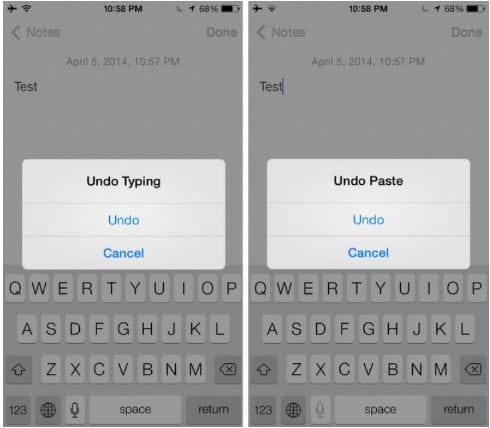
ctrl+z On Iphone
If you have innocently or hurriedly deleted something then just try to shake your iPhone which will lead you to the undo option.
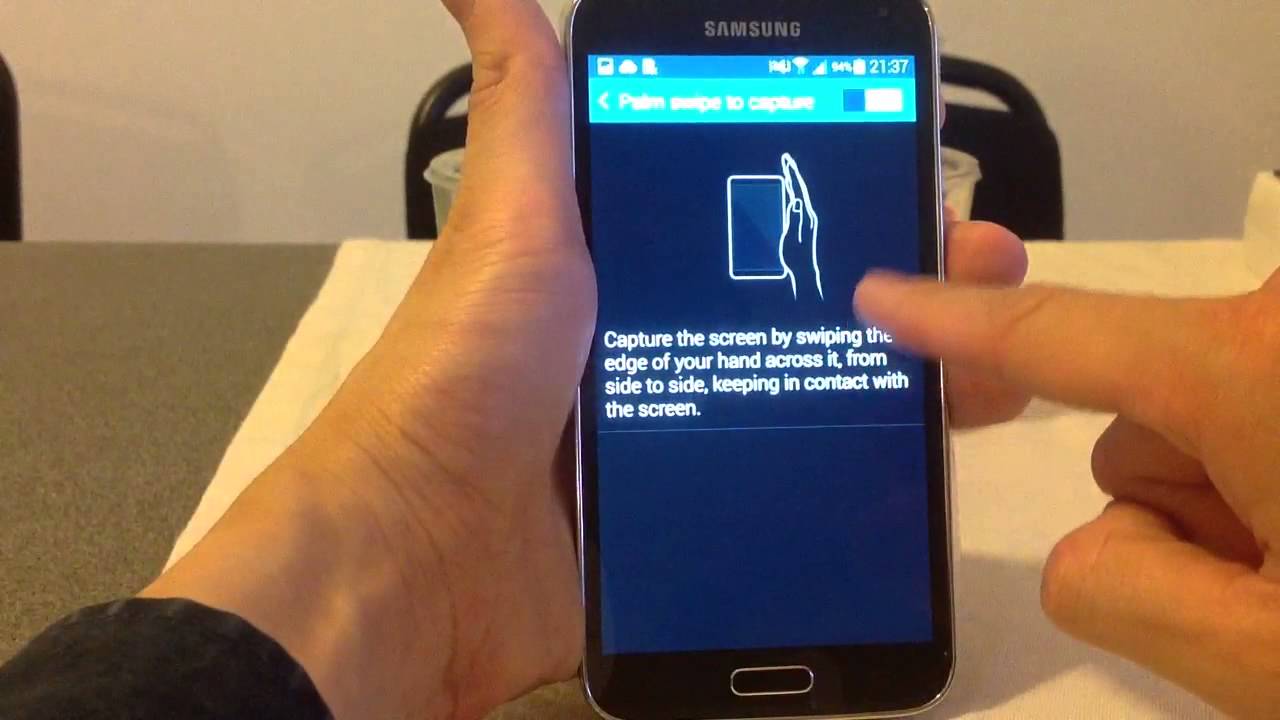
Taking Screenshot With Your Palm
You do not have to worry about taking screenshot by pressing on buttons while you can just swipe it with your palm. For this option you have to go the settings- my device and then you can click on motions and gestures where you will find this option.
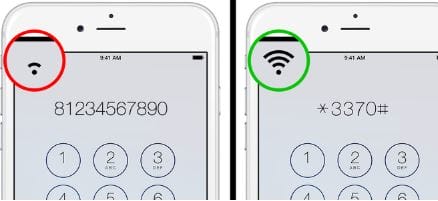
Improving Connection Quality
This feature allows you to improve the connections even if you are far from your area. Just type the code *3370# and then you can have the more connectivity but you have to make sure you do not drain your battery even if you are using it.
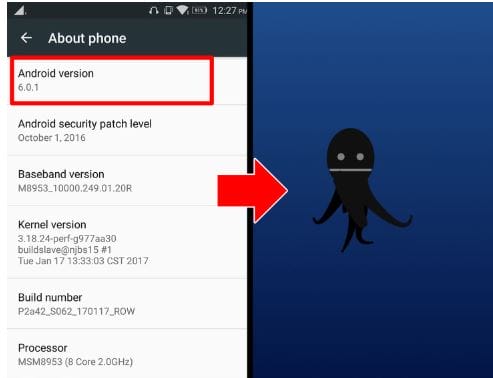
Hidden Game
Well everyone know you can play games on your phones and it is hidden in your android version and for those who don't know about this you just have to click on that box, tap to play a game.
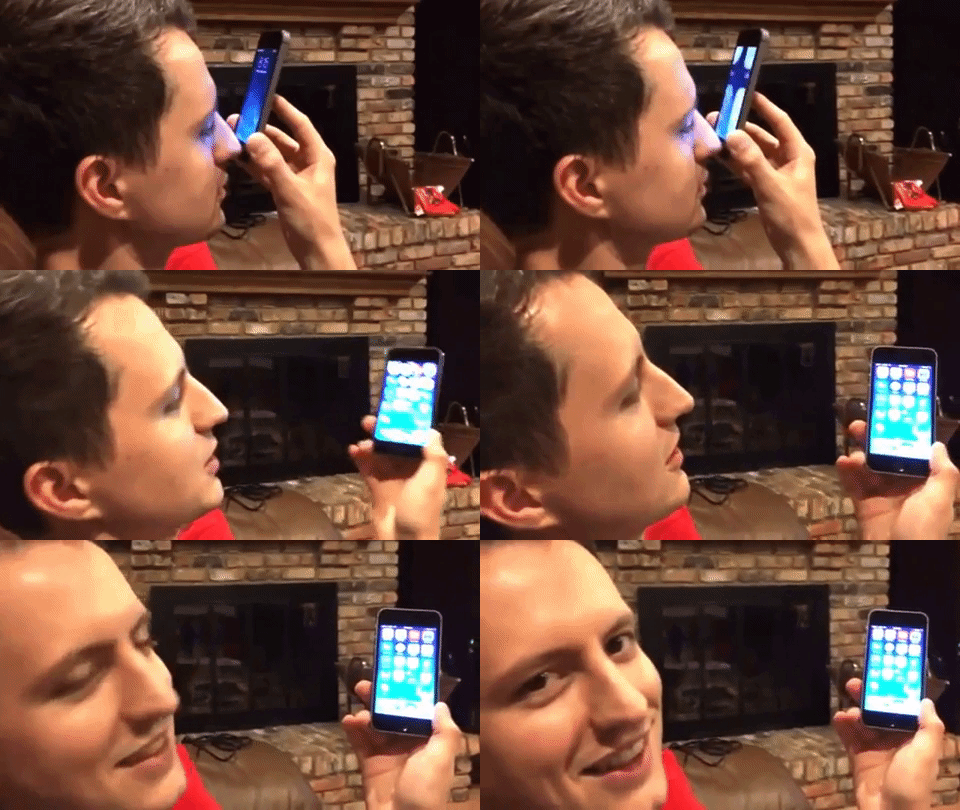
Unlocking With Your Nose
There is an option in your phone where you can go to the settings to set an unlock option and it also suggest you unlock your phone with a nose.
Splitting Keyboard
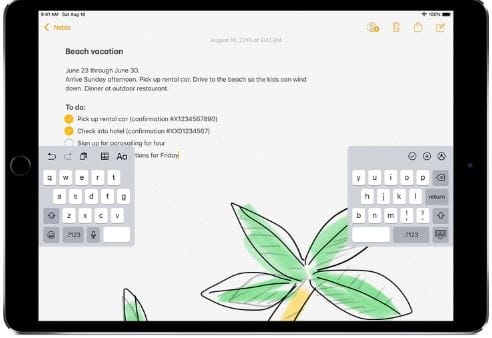
You can do this trick only on iPad where you can split your screens keyboard where you just have to tap on a text field and then drag on its corner where you have to merge it.