#10 Easy Delete
Its really easy to delete things in an iOs. Shake your device to delete what you have written while texting and it is done.

#9 Space stop
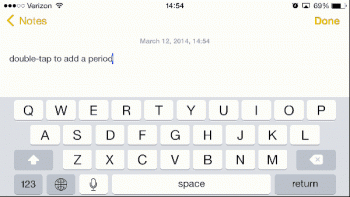
Now this is some smart stuff. Press the space bar 2 times to put a full stop/period after completing a sentence.
#8 Color Transformations
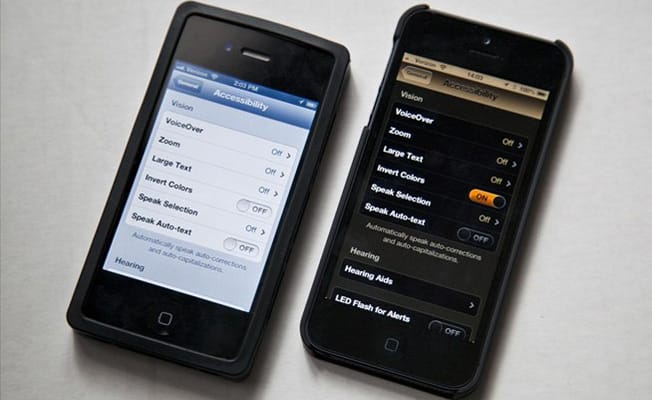
This can be a very useful technique. Just "invert colors" and you will be surprised how everything transforms.
#7 Alarm
Setting alarm here is so easy. Ask Siri to set an alarm for you just by telling it "after how many hours you want to wake up" and not the exact time. It will take care of the calculations!

#6 Offline maps
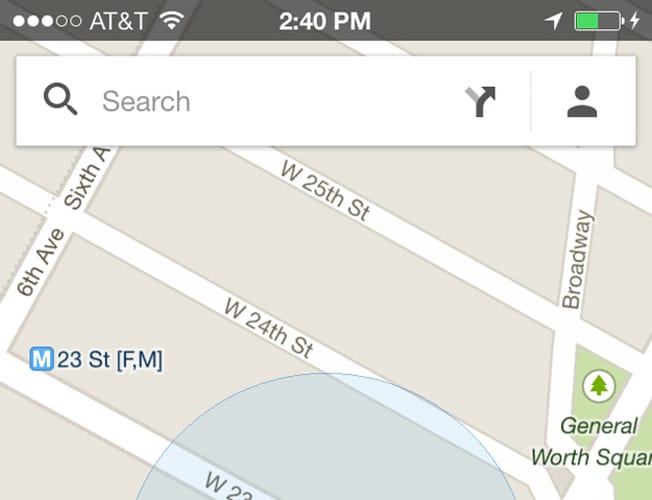
Its easy to use maps offline here. To use offline maps go to the area you want the map of while still online and type "ok maps" and the map will be saved for offline use.
#5 Calculator
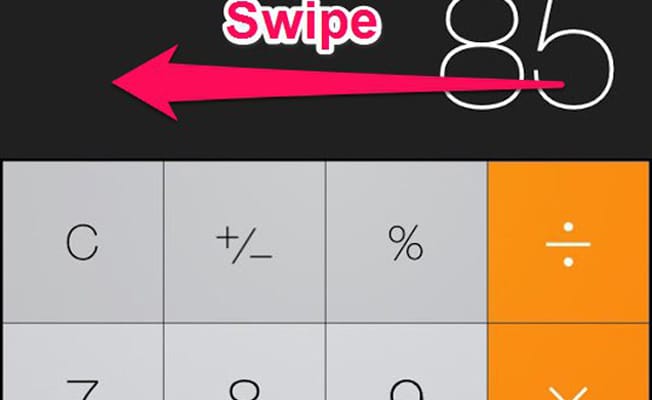
Delete the numbers while using calculator with ease. Swipe left while using the calculator to delete the numbers.
#4 Volume button
Most of us know this, but for the one's who don't, iOS is one hell of an operating system, Use the volume button to click a selfie.

#3 Volume Variations
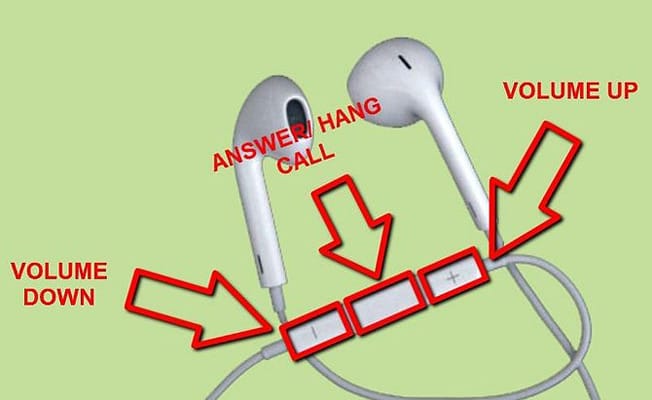
In order to use use the volume button while browsing music on the phone. Follow the image below.
#2 Keypad
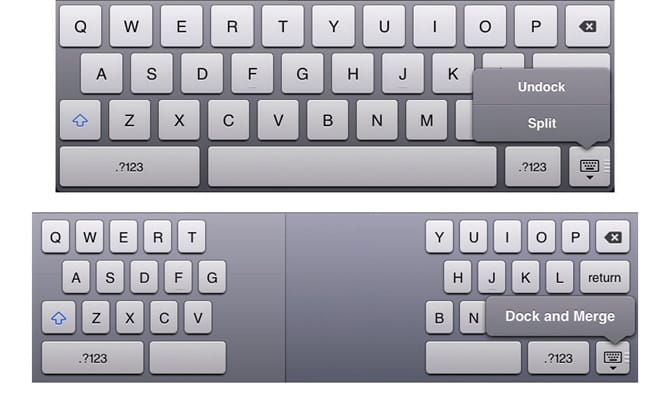
Play split and rule here. On your iPad keyboard, just swipe two fingers across the keyboard. This will split it into two and will enable you to type using your both the thumbs just like on the iPhone.
#1 Website
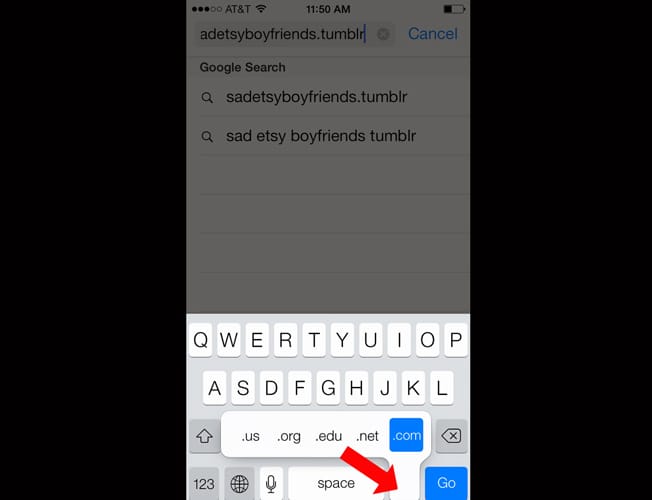
Save your time while searching for a website. Tap this button while typing in a website name in the search bar.