Win+A
There are a various secret combination on our keyboard that we feel that are not even useful but they have a very secretive meaning which is for daily use even if your mouse is not working so here lets start with the first combination. If you are using windows 10 then you can just click on the windows with A then you will see the action center or notification center.

Win+C
If you are using windows 8 then this secret combination will work on your computer where if you click windows with the alphabet C then it quickly opens up the charm bar or we say Cortana.

Win+G
This combination is available only in Windows 7 where you just have to click the window bar with the alphabet G which forefront and bring all your gadgets and opens up the game bar in Windows 10.

Fn+Up Arrow And Command+ Up Arrow For Windows
If you are using Macpro and Mac air then use the Fn bar and Up arrow for scrolling the page upward same goes to the downward arrow and in the Windows use the Command bar with Up arrow.

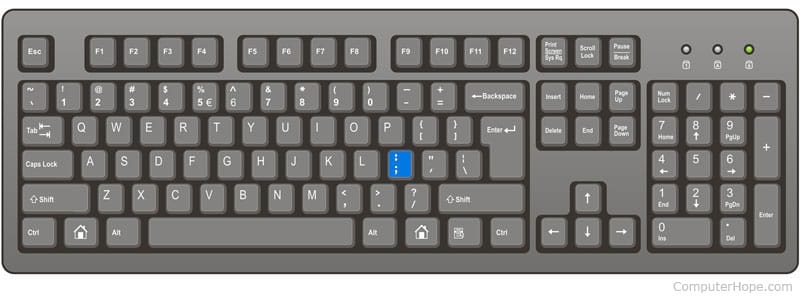
Command+Semicolon
Command with semicolon bar will help you with correcting your spellings with any given word so it may help you with misspelled words.
Option+Delete
This combination bar will help you with deleting the words one at a time and this thing works on mac and also on windows whether you are typing on OS X or even typing on any website into your browser's URL bar.

Command+H
The command bar with the alphabet H helps you quickly hide your open windows so whenever you feel like someone is watching your activity just click the combination.

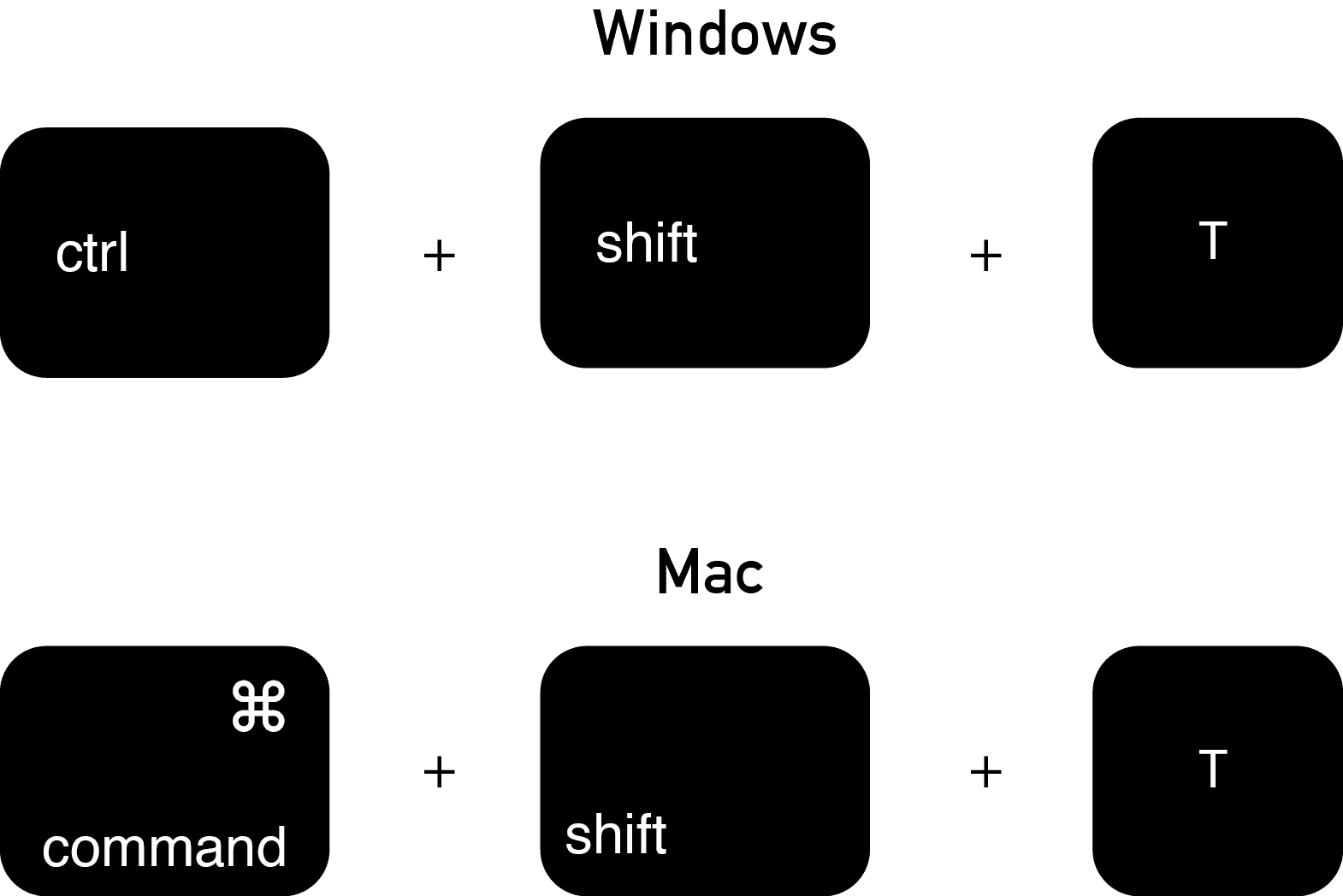
Command+Shift+T
This three combination bar will help you to open your most recent closed tab which you have lost it mistakenly so this combination is a lifesaver to you as whenever you lose the URL of that tab or you forgot the URL.
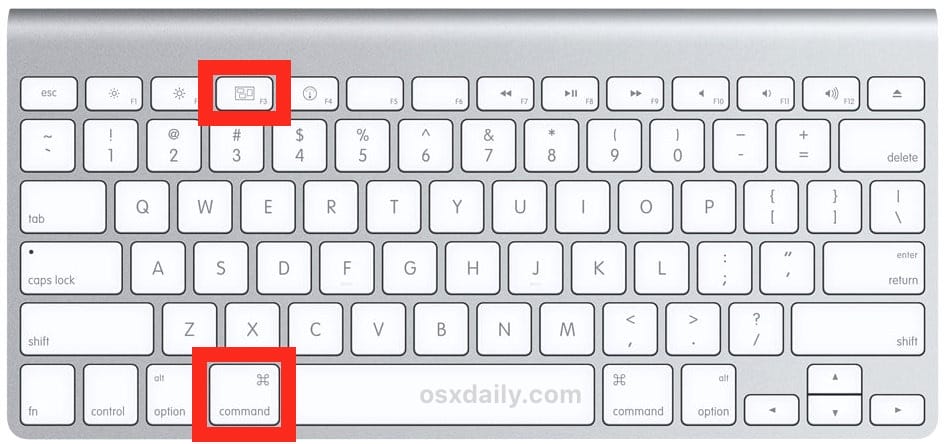
Command+F3
With the Command bar and the F3 menu will instantly remove all your apps and also it regains it with the same keys again. So here these keys are so handy that it will be used on any windows or on Mac.
Option+Shift+Volume Up/Volume Down
Well, you must be thinking why you need any help in this when you can easily do it with the help of volumes but sometimes this comes in hand as when you are trying to get your audio output levels just right.